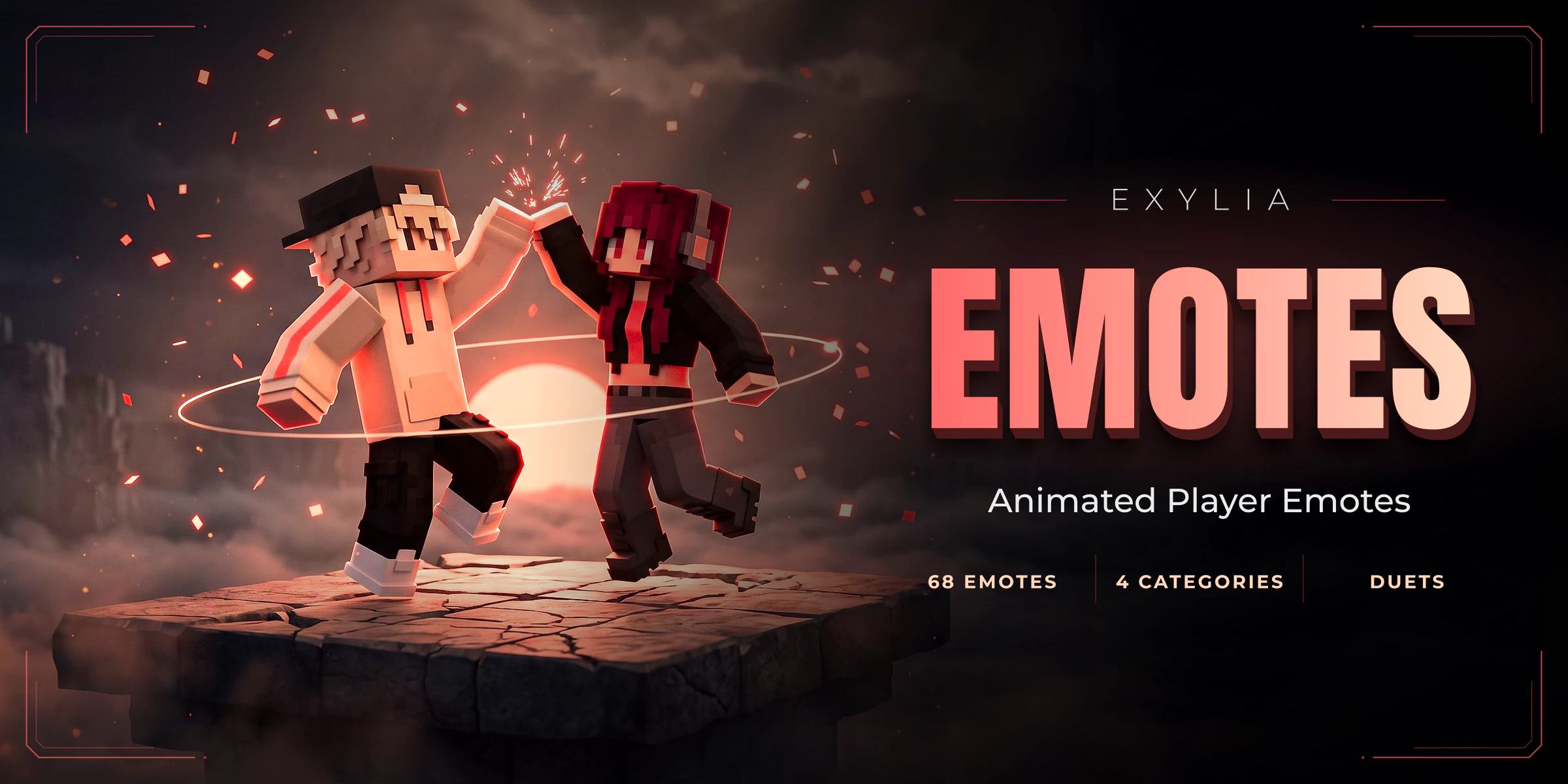
ExyliaEmotes
107 emotes in five tabs, each one a body choreographed joint by joint that the player watches from a camera outside it: 85 that loop until stopped, two duets that meet in the middle, props built from blocks, picked from a classic menu or a 3D selector that dances each one live in the player's skin, owned by permission or won out of a crate, looped in lobby showcases, and written in a file a server owner can edit in game.
21 pages, read in order
- Version
- v1.5.0
- Minecraft
- 1.21+
- Category
- Cosmetic
Start in three steps
From the jar to the first match, in this order.
- 1IntroductionWhat ExyliaEmotes is: 107 emotes performed by an animated body and filmed from outside, so the player watches themselves do it.
- 2InstallationThe jars, the files it writes, and the two tables it uses.
- 3Your first emoteGive a player an emote, open the menu, perform it, then try a crate key and a duet. About ten minutes, no files to edit.
New in v1.5.0
Straight to the reference
Chapter 01
Getting started
- 1IntroductionWhat ExyliaEmotes is: 107 emotes performed by an animated body and filmed from outside, so the player watches themselves do it.
- 2InstallationThe jars, the files it writes, and the two tables it uses.
- 3Your first emoteGive a player an emote, open the menu, perform it, then try a crate key and a duet. About ten minutes, no files to edit.
Chapter 02
Guides
- 4Choose and write emotesSee the 107 shipped emotes by tab, change an emote's rarity or cooldown, and write your own entry in emotes.yml.
- 5Play a duetLet two players do one emote together: send the invitation, accept it, and see how the two bodies meet in the middle.
- 6Customise the menuRename the buttons, hide what players do not own, and understand the favourites tab of the emote menu.
- 7Set up the 3D selectorMake /emote open the catalogue standing in the world, place one in your lobby, and move its pieces in game.
- 8Set up the crateBind a block that opens the emote crate, give keys, set the odds of each rarity and sell emotes in the shop.
- 9Add a lobby showcasePlace a spot that performs emotes on its own, one after another, cast with the players standing nearby.
Chapter 03
How it works
Chapter 04
Reference
- 11CommandsEvery ExyliaEmotes command for players and admins, with the permission each one needs.
- 12PermissionsEvery ExyliaEmotes permission, how to sell an emote, a tab or a rarity in one line, and how to let a rank play more.
- 13PlaceholdersPlaceholderAPI placeholders for what a player owns and is performing, their keys, and any emote's fields by id.
- 14ConfigurationEvery block of config.yml and every line of messages.yml, with their defaults.
Chapter 05
Help
Chapter 06
Customise (all Exylia plugins)
- 17Change the colours of your Exylia pluginsRecolour every Exylia plugin at once from one file, colors.yml: the palette, the theme colour, hex values, gradients and how to use the colours in your own messages.
- 18Change messages and the languagePick the language of your Exylia plugins, find and edit any message, use colours, hex, gradients and click-able text, change the prefix and reload.
- 19Edit the menus of your Exylia pluginsMenus are plain files: change a title, an item name, an icon, a slot or a sound, hide a button, and reload.
- 20Set up the economy for your Exylia pluginsChoose which money your Exylia plugins charge and pay in: Vault, PlayerPoints or an ExyliaEconomy currency, with one file, economy.yml.
- 21Set up the database of your Exylia pluginsWhere Exylia plugins keep their data by default, how to move to MySQL, MariaDB or PostgreSQL step by step, and how to share data between servers.