01 · Official documentation
46 plugins.One way to read them.
Installation guides, configuration reference, commands, permissions, placeholders and API. No filler: only what the plugin actually does.
02Plugins/ 05
Every plugin,by use.
Grouped by what each one is for, and filterable. Point at one and its shelf lights up.
 ExyliaFFA20 pagesHigh-performance FFA system
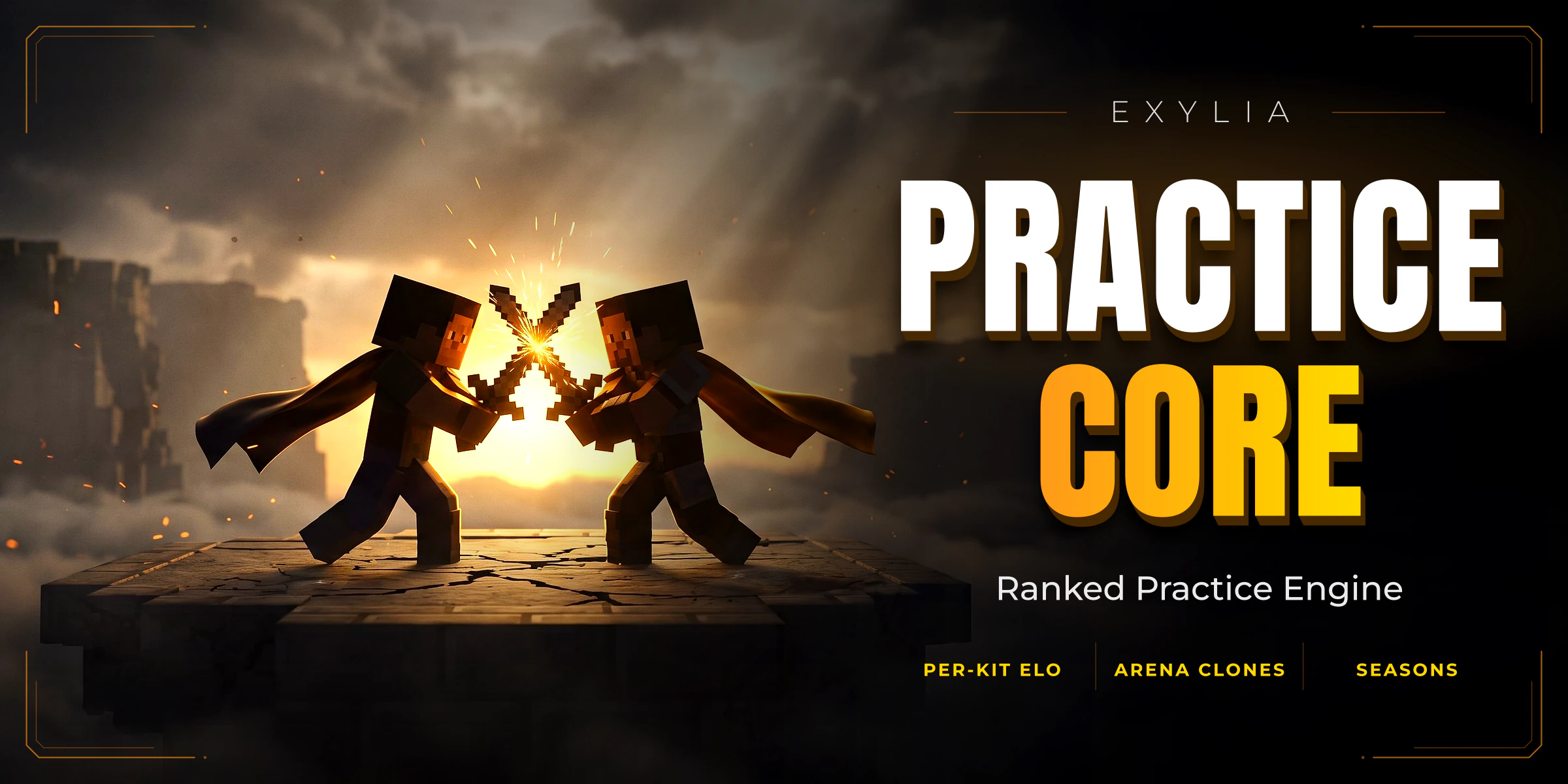 ExyliaPracticeCore30 pagesA whole practice server
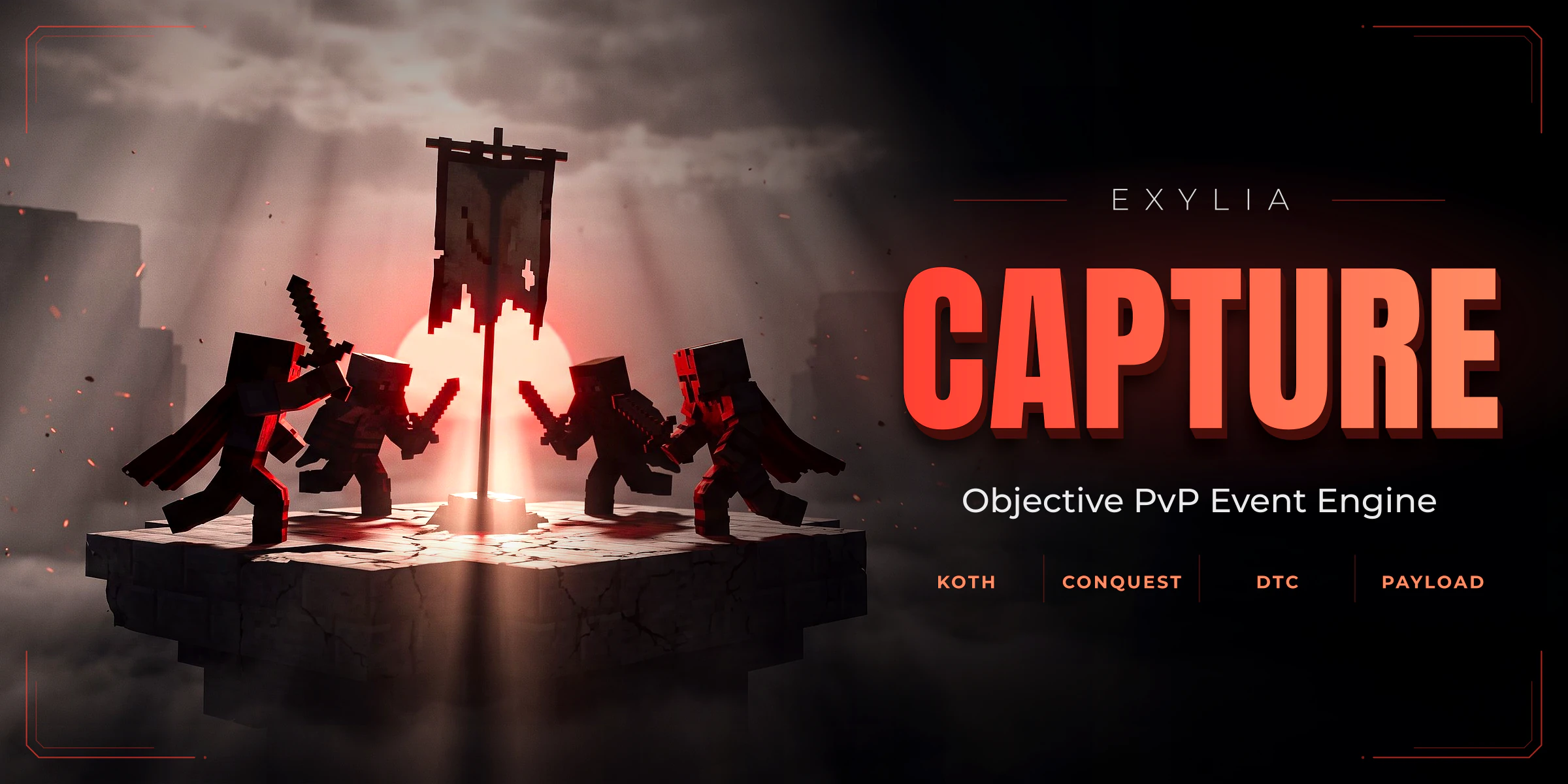 ExyliaCapture18 pagesZone-capture events, eight mechanics
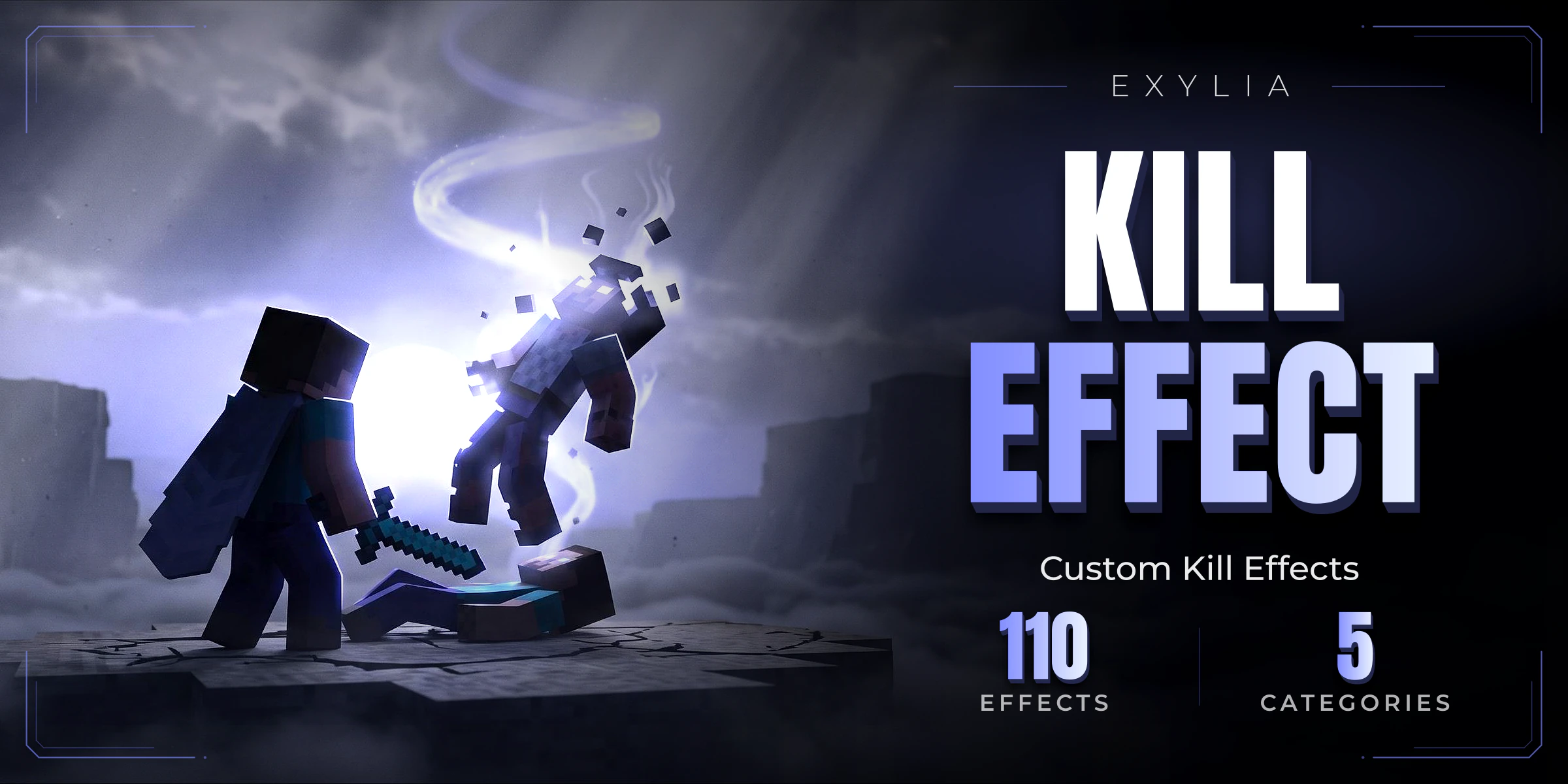 ExyliaKillEffect17 pagesKill effects drawn with display entities
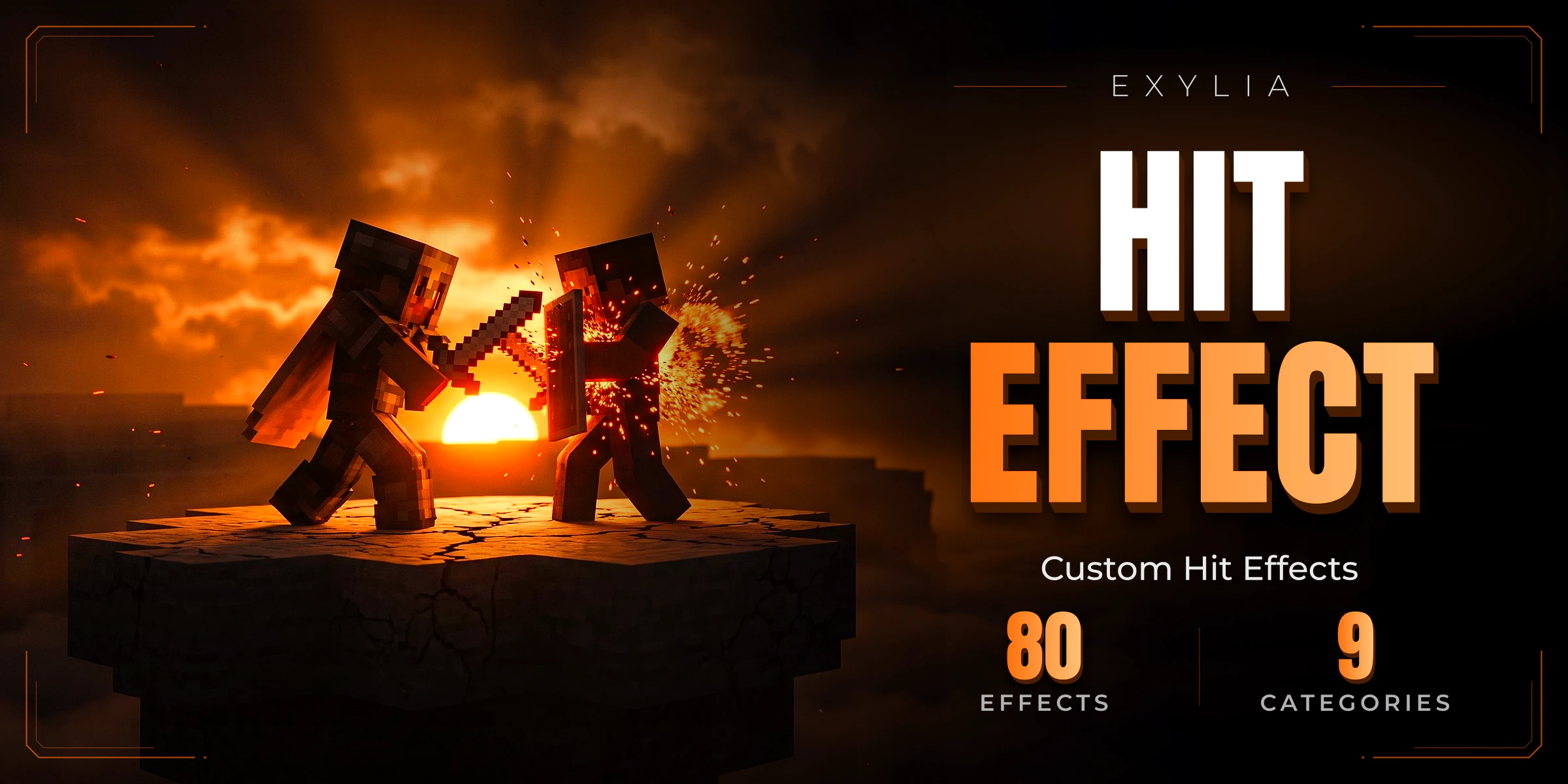 ExyliaHitEffect16 pagesHit effects drawn with display entities
 ExyliaEmotes16 pagesEmotes performed by an animated body, filmed from outside
 ExyliaArmorTrims16 pagesArmour trims drawn with packets
 ExyliaArmorSkin16 pagesArmour skins that never touch the item
 ExyliaArrows17 pagesArrow effects drawn with display entities
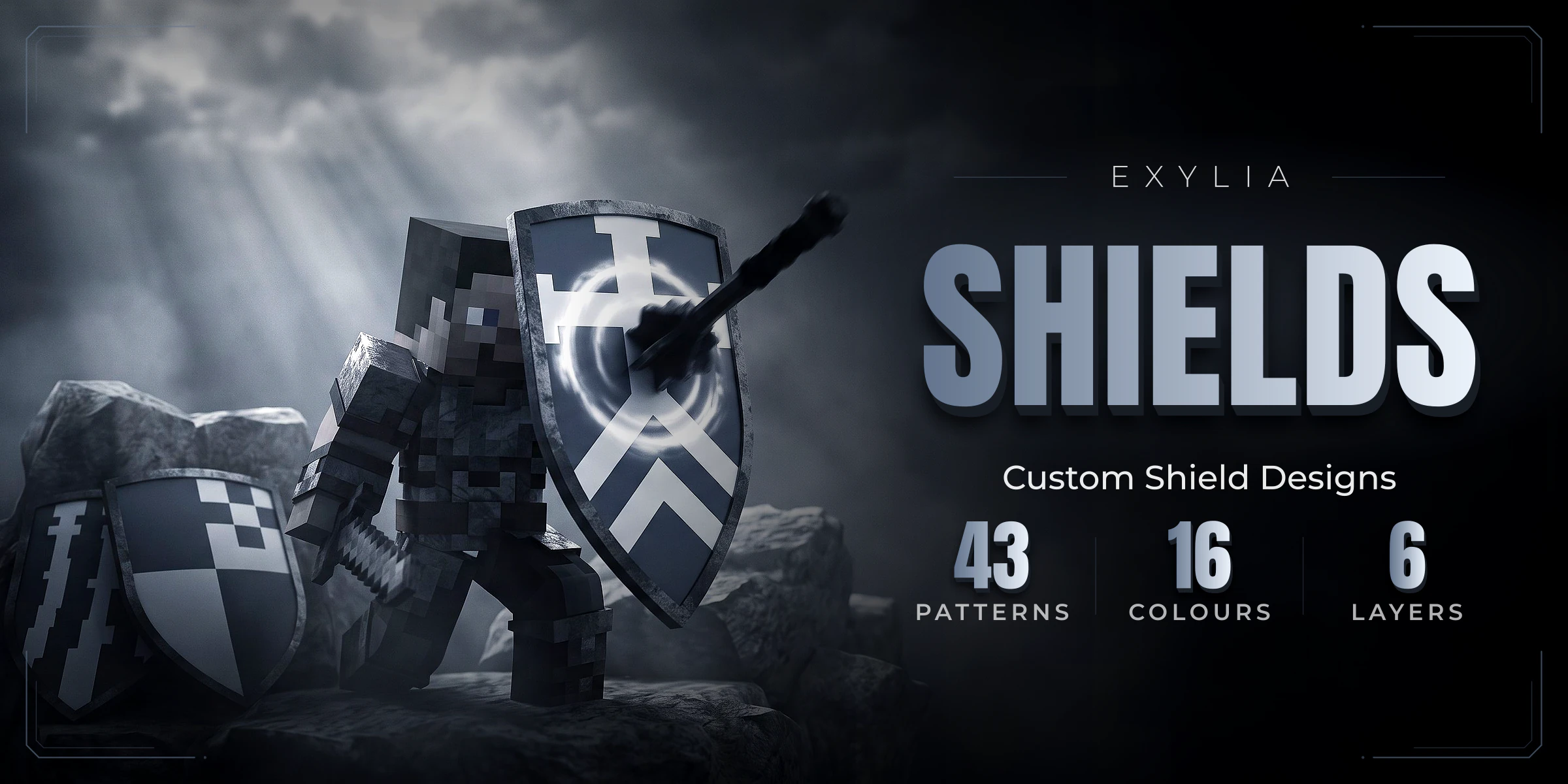 ExyliaShields15 pagesA shield design editor in a menu
 ExyliaChatCosmetics25 pagesChat cosmetics, and the chat itself
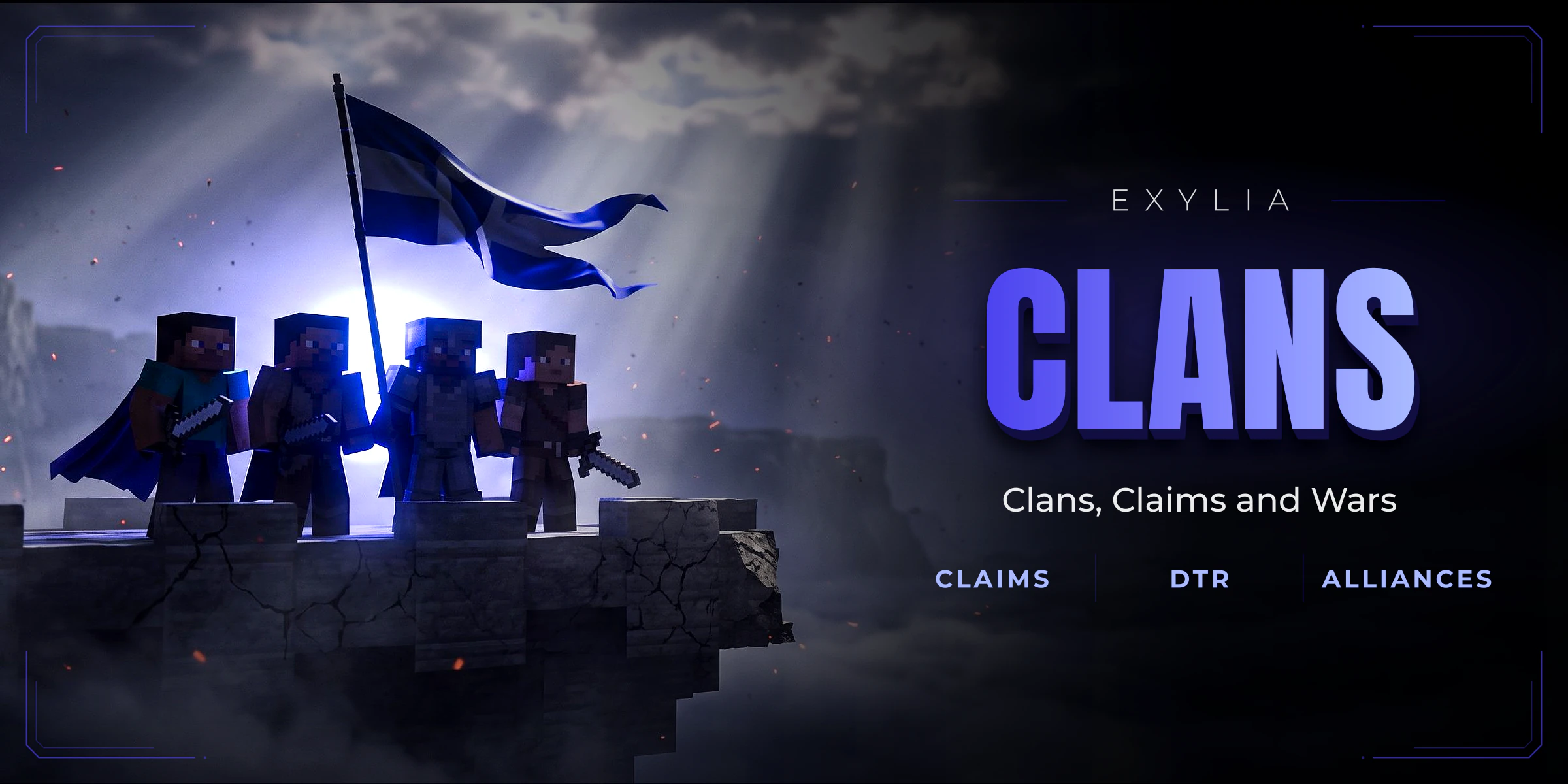 ExyliaClans24 pagesClans, territory and raiding
03Structure/ 05
Read one,know them all.
Every plugin is split the same four ways. Once you know where things live in one, you know it for all of them.
- 1Getting startedInstall it, start the server, play the first match. Ten minutes from the jar to a working mode.
- 2ConfiguringEach file explained key by key, with the default value and what changing it does in game.
- 3SystemsHow the parts behave together: combat, rewards, stats, menus. The why, not only the what.
- 4ReferenceCommands, permissions, placeholders and API, in tables you can scan and copy from.
04Tools/ 05
Find itin seconds.
Written next to the code and versioned with every release. These are the tools on every page.
0
Plugins
0
Pages written
0
Languages
0
Categories
01Search that answersEvery heading of every page, instant, from any page with ⌘K.
02Ask the assistantIt has read these docs, and it links the page it answers from.
03English and SpanishEvery page, both languages, same structure. Switch without losing your place.
04Copy in one clickCommands, permissions and config blocks copy in one click.
05Config explorerThe whole config file on one side, the explanation of each key on the other.
06Tables you can filterLong tables of commands, permissions and placeholders get a filter, and every value copies with a click.
07Ready for AIEach plugin has an llms.txt with its whole docs, plus a prompt you can paste into your assistant.
08Plain pagesInstallation, configuration, commands, permissions, placeholders and API. No filler.
05Start/ 05
Pick a pluginand start.
Start at Getting started: ten minutes from the jar to a working mode. If something is missing, the team is on Discord.