Documentation
ExyliaArmorSkin
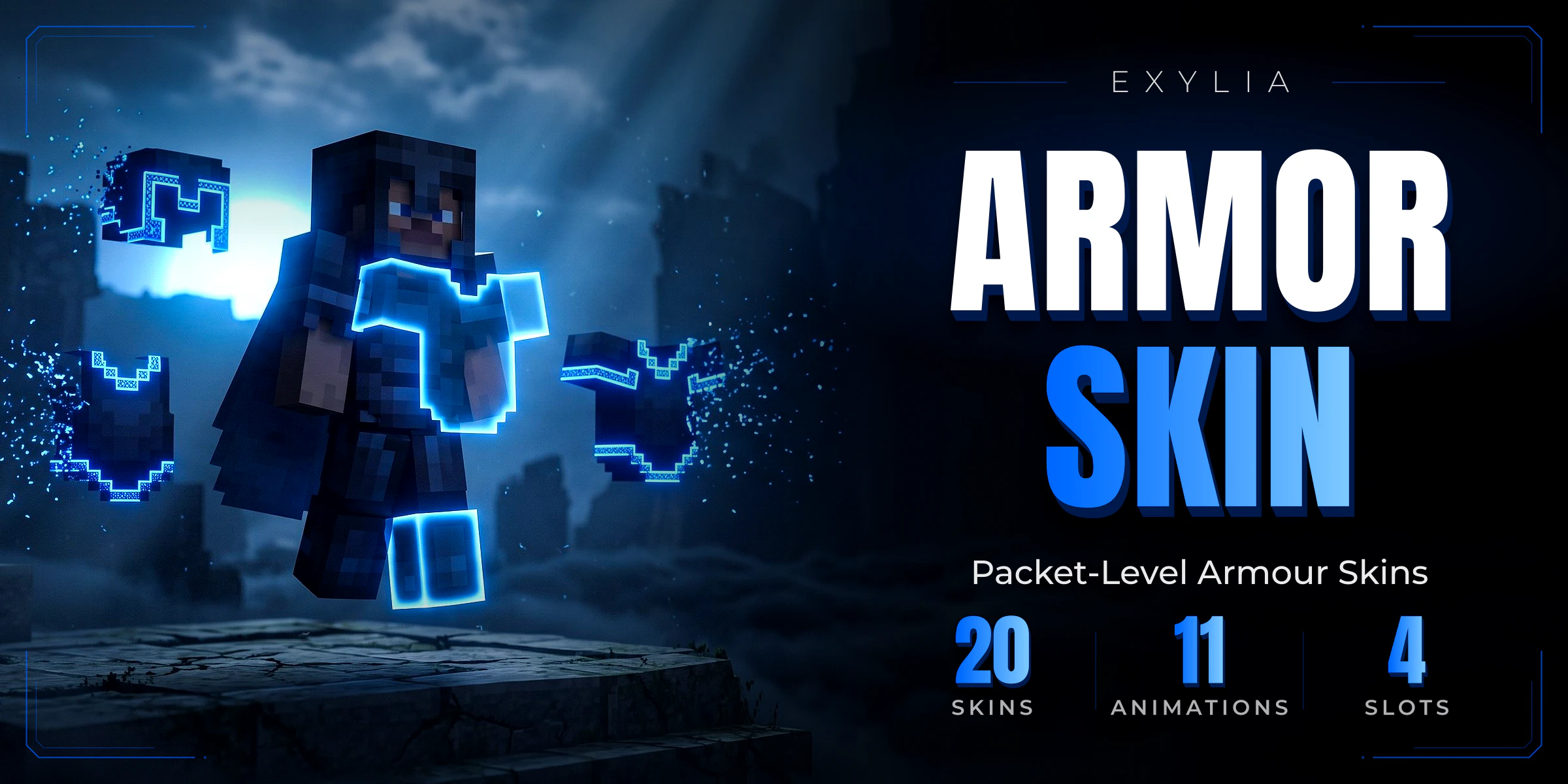
Twenty animated colour-and-trim skins worn over any armour piece, chosen from a wardrobe or carried as an item, and drawn on the way to the client with packets: enchantments, attributes, durability and plugin data stay exactly as they were.
- Version
- v1.0.0
- Minecraft
- 1.21+
- Category
- Cosmetic
- Pages
- 12
Getting started03
IntroductionWhat ExyliaArmorSkin is: a colour and a trim drawn over any armour piece with packets, while the real item keeps everything it had.InstallationDependencies, the files it writes on first start, the wardrobe table, and what updating covers.First stepsDress from the wardrobe, apply a skin item, take it off, and write a skin of your own.
Configuring04
SkinsEvery key in skins.yml, how a skin is resolved, and the twenty animated skins that ship.The wardrobeOne screen that dresses the player rather than the armour: focus, wear, clear, and every template menus/wardrobe.yml declares.AnimationsThe seven animation types, the options each one reads, the twenty-one presets in animations.yml, and how frames stay in step.EffectsWhat a skin does beyond looking different: the equip and unequip effects, the ambient it repeats while worn, and the set bonus for wearing every piece it fits.
Reference05
CommandsThe wardrobe command a player types, and the seven admin subcommands.PermissionsThe wardrobe node, the admin node, the per-skin and per-piece nodes, and the two switches that decide whether they are enforced.Configurationconfig.yml in full: the skin item, the remover, the lore added to skinned armour, the wardrobe wording, the five behaviour switches, the apply and remove effects, and every message.APIReading the skin catalogue, a player's wardrobe, and the skins written onto armor.FAQThe questions that come up first: what happens to the real item, creative mode, other plugins, placeholders and performance.