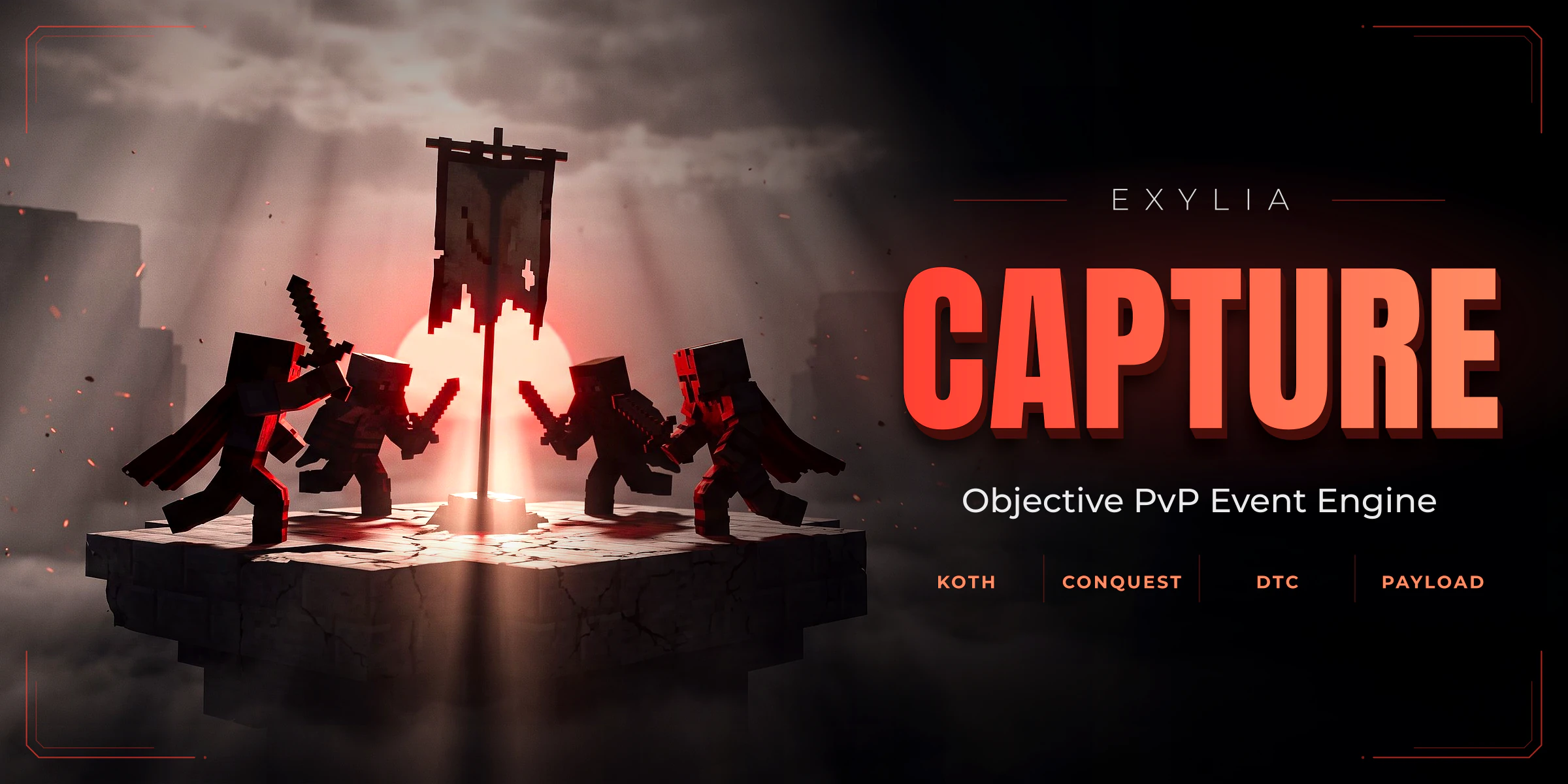
ExyliaCapture
KOTH, point-scored KOTH, Conquest, Payload, Destroy The Core and Bounty, all created from in-game menus with a shared zone wand, schedules, rewards and clan support.
23 pages, read in order
- Version
- v1.4.0
- Minecraft
- 1.21+
- Category
- Events
Start in three steps
From the jar to the first match, in this order.
- 1IntroductionWhat ExyliaCapture does, what you need to run it, and what you will have working in ten minutes.
- 2Install ExyliaCapturePut the plugin and ExyliaLib on your server, start it, check that it loaded and choose where data is saved.
- 3Your first eventCreate a King of the Hill event, mark its zone, start it and capture it yourself in about five minutes.
Straight to the reference
Chapter 01
Getting started
- 1IntroductionWhat ExyliaCapture does, what you need to run it, and what you will have working in ten minutes.
- 2Install ExyliaCapturePut the plugin and ExyliaLib on your server, start it, check that it loaded and choose where data is saved.
- 3Your first eventCreate a King of the Hill event, mark its zone, start it and capture it yourself in about five minutes.
Chapter 02
Guides
- 4Choose an event typePick between KOTH, KOTH Points, Conquest, Payload, Destroy The Core and Bounty, and tune each one's settings.
- 5Mark the zone of an eventSelect where an event happens, see the zone outline, and set rails for a Payload.
- 6Reward the winnersGive items and commands to the winner and the top three, and see what happens to offline winners.
- 7Schedule eventsStart events by time of day, weekday or interval, with player count gates.
- 8Play events as clansConnect a clan plugin and run events where clans, not players, compete.
- 9Show statistics and leaderboardsSee what is counted, open the leaderboards and change how they look.
- 10Customise boss bars, holograms and sidebarsChange the boss bar, holograms, sidebars, waypoints and zone outline players see during an event.
- 11Post events to DiscordSend event starts and results to a Discord channel, and ping a role.
Chapter 03
Reference
- 12CommandsEvery ExyliaCapture command for players and admins, with the permission each one needs.
- 13PermissionsThe four ExyliaCapture permissions, who holds them by default, and how to make the event list or a leaderboard a rank perk.
- 14PlaceholdersShow ExyliaCapture events, countdowns, podiums and leaderboards on scoreboards, holograms and tab lists.
- 15ConfigurationWhere ExyliaCapture's files are, what you can change in game, and every key of config.yml with its default.
- 16APIdevReading configured and running capture events, starting and stopping one, and reading player and clan statistics.
Chapter 04
Help
Chapter 05
Customise (all Exylia plugins)
- 19Change the colours of your Exylia pluginsRecolour every Exylia plugin at once from one file, colors.yml: the palette, the theme colour, hex values, gradients and how to use the colours in your own messages.
- 20Change messages and the languagePick the language of your Exylia plugins, find and edit any message, use colours, hex, gradients and click-able text, change the prefix and reload.
- 21Edit the menus of your Exylia pluginsMenus are plain files: change a title, an item name, an icon, a slot or a sound, hide a button, and reload.
- 22Set up the economy for your Exylia pluginsChoose which money your Exylia plugins charge and pay in: Vault, PlayerPoints or an ExyliaEconomy currency, with one file, economy.yml.
- 23Set up the database of your Exylia pluginsWhere Exylia plugins keep their data by default, how to move to MySQL, MariaDB or PostgreSQL step by step, and how to share data between servers.