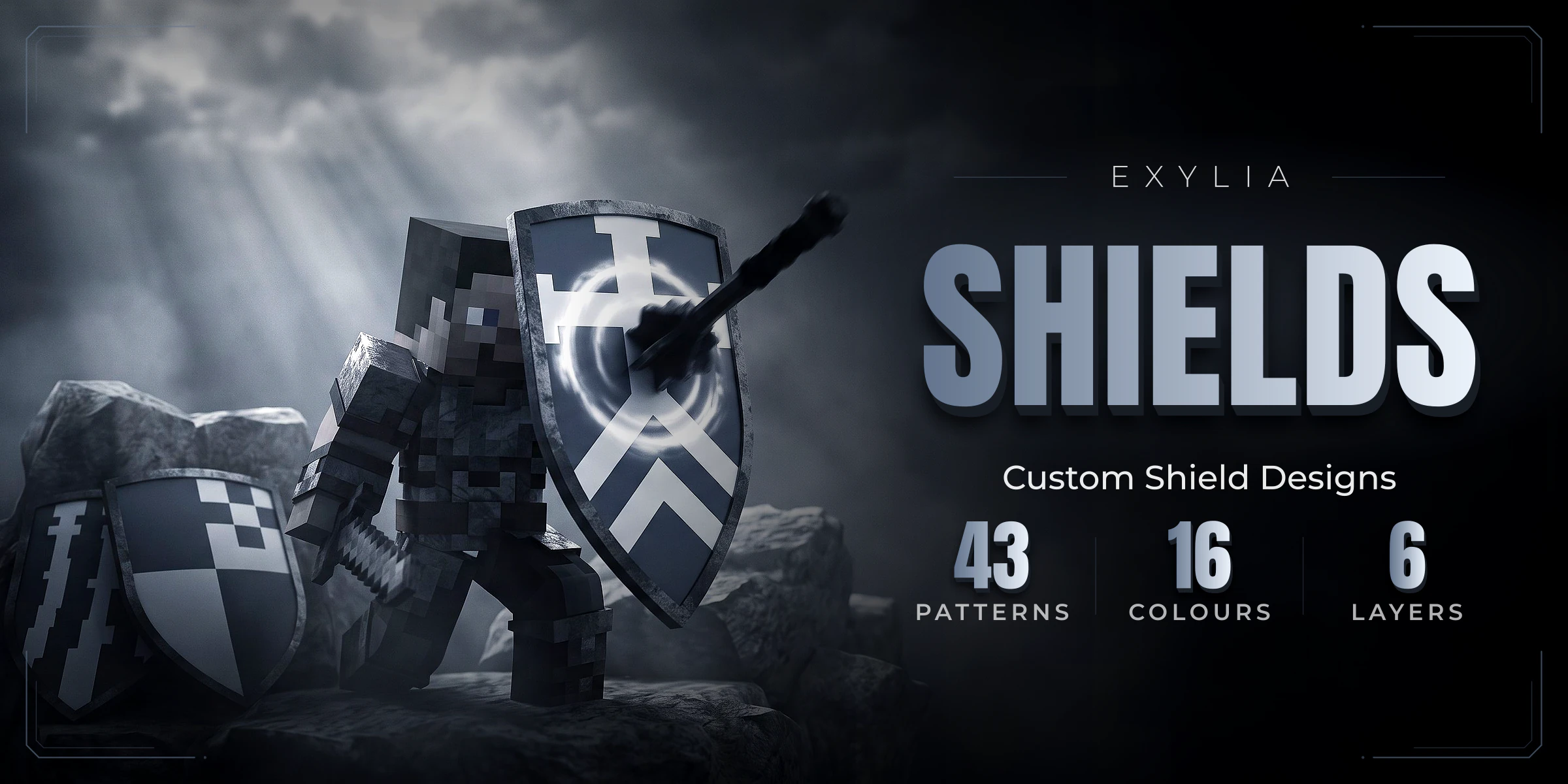
ExyliaShields
43 patterns and 16 colours layered into custom shield designs, in an inventory editor or a 3D designer and shield picker on the centre stage, saved in numbered slots, unlocked by permission, a crate or currency, with per-rank slots, layers and features, and shareable through a community library.
20 pages, read in order
- Version
- v1.6.0
- Minecraft
- 1.21+
- Category
- Cosmetic
Start in three steps
From the jar to the first match, in this order.
- 1IntroductionExyliaShields lets players design their own shield from a menu: stack patterns and colours, save slots, and win or buy more.
- 2Install ExyliaShieldsPut the jars in, start the server and know which files the plugin writes.
- 3Your first shieldGive yourself a palette, build a design in the editor and wear it. About ten minutes, no files to edit.
New in v1.6.0
Straight to the reference
Chapter 01
Getting started
- 1IntroductionExyliaShields lets players design their own shield from a menu: stack patterns and colours, save slots, and win or buy more.
- 2Install ExyliaShieldsPut the jars in, start the server and know which files the plugin writes.
- 3Your first shieldguideGive yourself a palette, build a design in the editor and wear it. About ten minutes, no files to edit.
Chapter 02
Guides
- 4Design a shieldHow a design is built from layers, how slots work, the editor buttons, and where a design is stored.
- 5Sell slots, layers and coloursguideTurn the palette, the number of slots and the layer limit into rank perks with permissions.
- 6Share and import designsHow shield designs reach the shared library, how players import them by id or from the browser, and how to set up a lobby showcase.
- 7The crate and the shopTwo more ways to own a pattern or a colour: won out of a crate with keys, or bought from the editor.
- 83D menusThe shield designer and the shield picker drawn in the world in front of the player, how to make /shields open them, and how to place and restyle them.
Chapter 03
Reference
- 9CommandsEvery ExyliaShields command for players and admins, with the permission each one needs.
- 10PermissionsEvery ExyliaShields permission, and how to turn slots, layers, colours and features into rank perks.
- 11PlaceholdersShow a player's slots, worn design, crate keys and unlocks on scoreboards, holograms and tab lists.
- 12ConfigurationEvery setting in config.yml, shields.yml and messages.yml, with its default.
- 13APIdevWhat another plugin can do with shield designs: read what somebody wears, draw one onto an item, and read the shared library.
Chapter 04
Help
Chapter 05
Customise (all Exylia plugins)
- 16Change the colours of your Exylia pluginsRecolour every Exylia plugin at once from one file, colors.yml: the palette, the theme colour, hex values, gradients and how to use the colours in your own messages.
- 17Change messages and the languagePick the language of your Exylia plugins, find and edit any message, use colours, hex, gradients and click-able text, change the prefix and reload.
- 18Edit the menus of your Exylia pluginsMenus are plain files: change a title, an item name, an icon, a slot or a sound, hide a button, and reload.
- 19Set up the economy for your Exylia pluginsChoose which money your Exylia plugins charge and pay in: Vault, PlayerPoints or an ExyliaEconomy currency, with one file, economy.yml.
- 20Set up the database of your Exylia pluginsWhere Exylia plugins keep their data by default, how to move to MySQL, MariaDB or PostgreSQL step by step, and how to share data between servers.