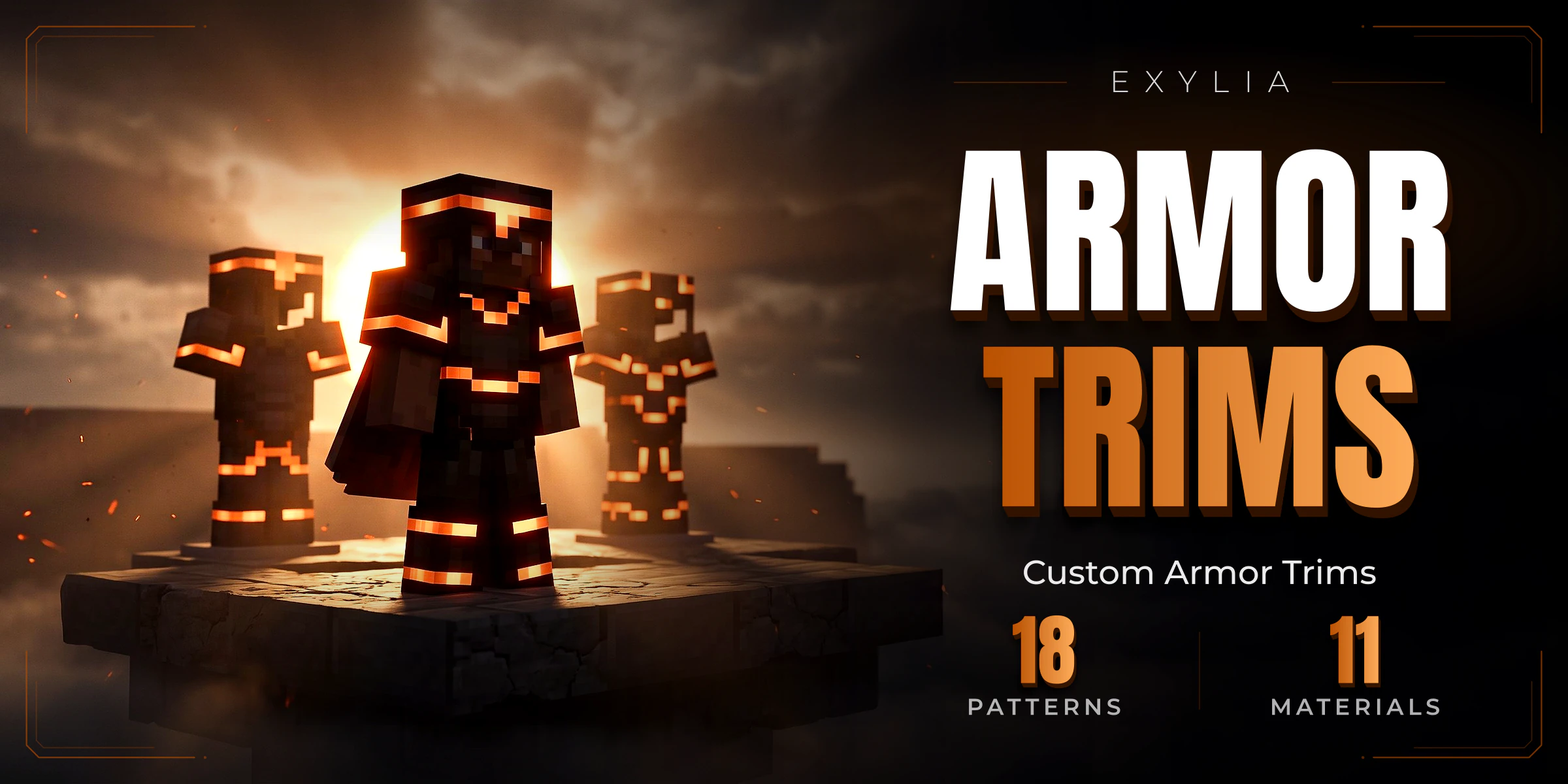
ExyliaArmorTrims
Any pattern with any material, combined in a 3D wardrobe or a classic menu, won out of a crate, bought with currency or carried as a trim item, and drawn on the way to the client so the armour itself is never converted.
21 pages, read in order
- Version
- v1.6.0
- Minecraft
- 1.21+
- Category
- Cosmetic
Start in three steps
From the jar to the first match, in this order.
- 1IntroductionWhat ExyliaArmorTrims is: any pattern with any material, chosen in a 3D wardrobe or an inventory menu, or carried as an item, and drawn with packets.
- 2Install ExyliaArmorTrimsDependencies, the files it writes, and what it keeps in the database.
- 3Your first trimFrom a clean server to a player wearing a trim, through the menu or with an item. About five minutes.
New in v1.6.0
Straight to the reference
Chapter 01
Getting started
- 1IntroductionWhat ExyliaArmorTrims is: any pattern with any material, chosen in a 3D wardrobe or an inventory menu, or carried as an item, and drawn with packets.
- 2Install ExyliaArmorTrimsDependencies, the files it writes, and what it keeps in the database.
- 3Your first trimFrom a clean server to a player wearing a trim, through the menu or with an item. About five minutes.
Chapter 02
Guides
- 4Set up patterns and materialsPatterns and materials: what trims.yml ships, how a trim is stored, and what happened to presets.
- 5Choose how trims are wornWhere a piece's trim comes from — the item or the player — and what the trim item and remover do.
- 6Customise the trim menuThe classic inventory screen: armor along the top, the patterns and then the materials in the grid, all of it editable in lang/<language>/menus/trims.yml.
- 7Place the 3D wardrobeThe trim menu standing in the world: try a pattern and a material on yourself, on any armor, then buy and save in place.
- 8Set up the crateRarities, both kinds of key, the reels that fall or the 3D opening, the shop, and the blocks that open the crate.
- 9Add trim showcasesPut a figure in your lobby that shows trims off on its own, one combination after another, for whoever walks past.
Chapter 03
Reference
- 10CommandsEvery ExyliaArmorTrims command: what players type to open the menu, and the /armortrimsadmin subcommands to give trims, keys and unlocks.
- 11PermissionsEvery ExyliaArmorTrims permission, how to sell patterns and materials by rank, and how to make the wardrobe or crate a VIP perk.
- 12ConfigurationEvery block of config.yml and messages.yml, with what they ship with.
- 13PlaceholdersPlaceholderAPI placeholders for ExyliaArmorTrims: the trim a player chose on each piece of armor, and their crate keys and unlocks.
- 14APIdevReading the trim catalogue, the halves a player combines by hand, their chosen trim and what they are shown wearing, the trims written onto armor, and the two events.
Chapter 04
Help
Chapter 05
Customise (all Exylia plugins)
- 17Change the colours of your Exylia pluginsRecolour every Exylia plugin at once from one file, colors.yml: the palette, the theme colour, hex values, gradients and how to use the colours in your own messages.
- 18Change messages and the languagePick the language of your Exylia plugins, find and edit any message, use colours, hex, gradients and click-able text, change the prefix and reload.
- 19Edit the menus of your Exylia pluginsMenus are plain files: change a title, an item name, an icon, a slot or a sound, hide a button, and reload.
- 20Set up the economy for your Exylia pluginsChoose which money your Exylia plugins charge and pay in: Vault, PlayerPoints or an ExyliaEconomy currency, with one file, economy.yml.
- 21Set up the database of your Exylia pluginsWhere Exylia plugins keep their data by default, how to move to MySQL, MariaDB or PostgreSQL step by step, and how to share data between servers.