Documentation
ExyliaMobs
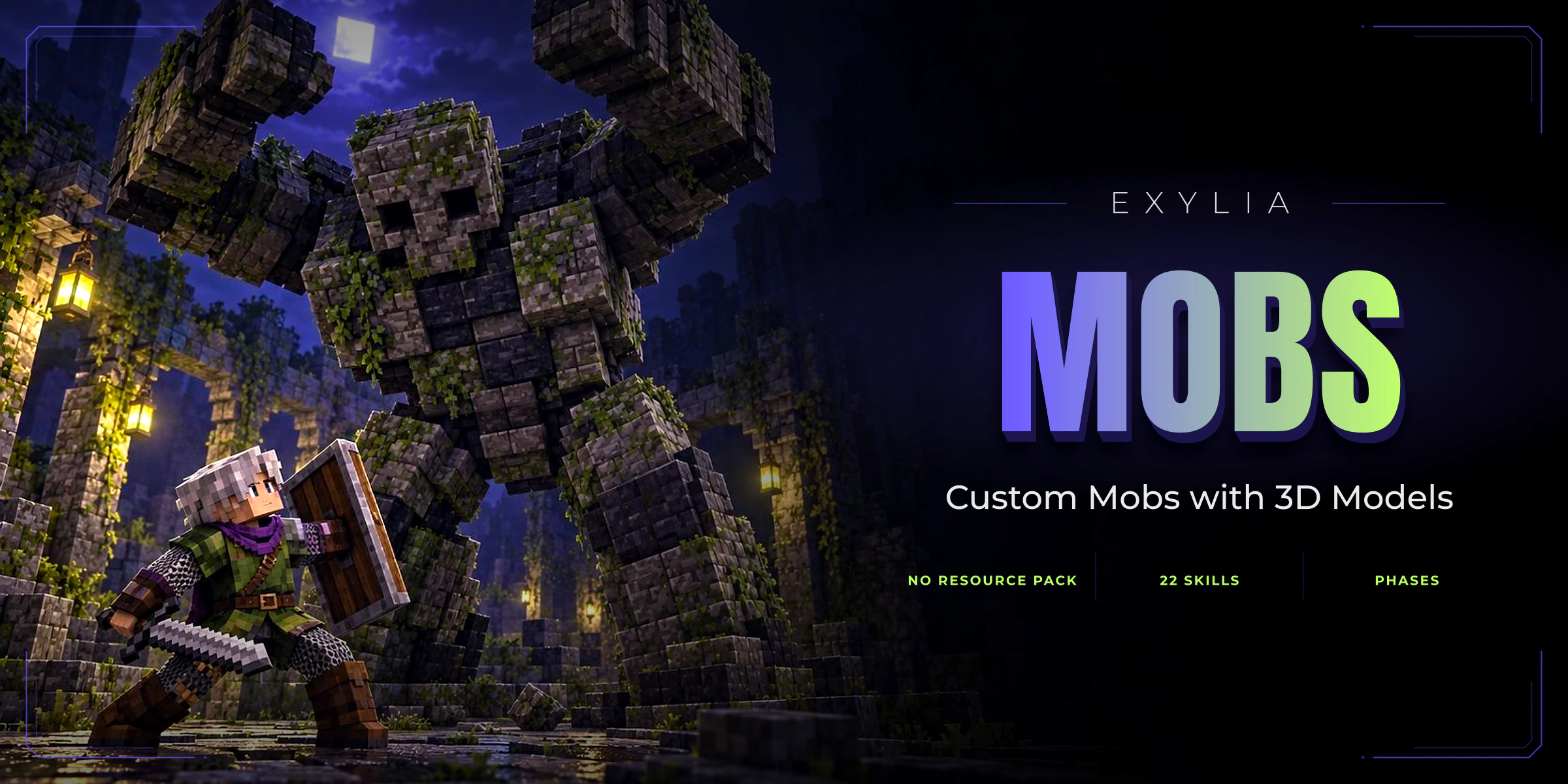
Custom mobs built entirely in game — name, type, equipment, attributes, flags, effects, staged skills from a library, fight phases, looks, reactions and Blockbench models worn without a resource pack — with ten reward lists from the top damager to the death loot, boosters and a queue for absent players, generators that spawn waves in an area while players are near, templates shared across a network, and a shared store other plugins such as ExyliaRewards spawn them from.
- Version
- v1.0.0
- Minecraft
- 1.21.4+
- Category
- Survival
- Pages
- 11
Getting started02
Systems04
Building a mobCreating a mob, the template screen button by button, the random mob, spawning it to try it, and deleting it.3D modelsBlockbench models a mob wears instead of its body, with no resource pack: the models folder, the model screen, bodies, attacks, sounds and the showcase mobs.RewardsThe ten reward lists a mob pays, when it pays at all, where items go, boosters, rewards kept for absent players and kill counters.GeneratorsAreas that keep mobs alive while players are near: creating one, its area, its mobs and their weights, the numbers, how a wave spawns, WorldGuard and networks.
Reference05
Commands/mobsadmin and its subcommands: the screens, spawning, removing mobs, the models folder and reloading.PermissionsThe one node the plugin declares and what it gates.ConfigurationEvery key of config.yml: payment rules, the generator cap and timer, auras, visuals and skill colours, then the messages and screens.APISpawning ExyliaMobs' templates from another plugin through ExyliaLib's shared mob store, reading and saving them with their reward lists, and opening the mob screen.Frequently asked questionsThe questions that come up most.